
Public open-source Chrome extension
WideMark
Browse, search, organize, and check duplicate bookmarks locally, with folder colors, icons, and keyboard navigation.
Chrome users who want a persistent bookmark tree beside their browsing tabs.
WideMarkSee Chrome Web Store and GitHubISCChromeExtensionsBookmarks
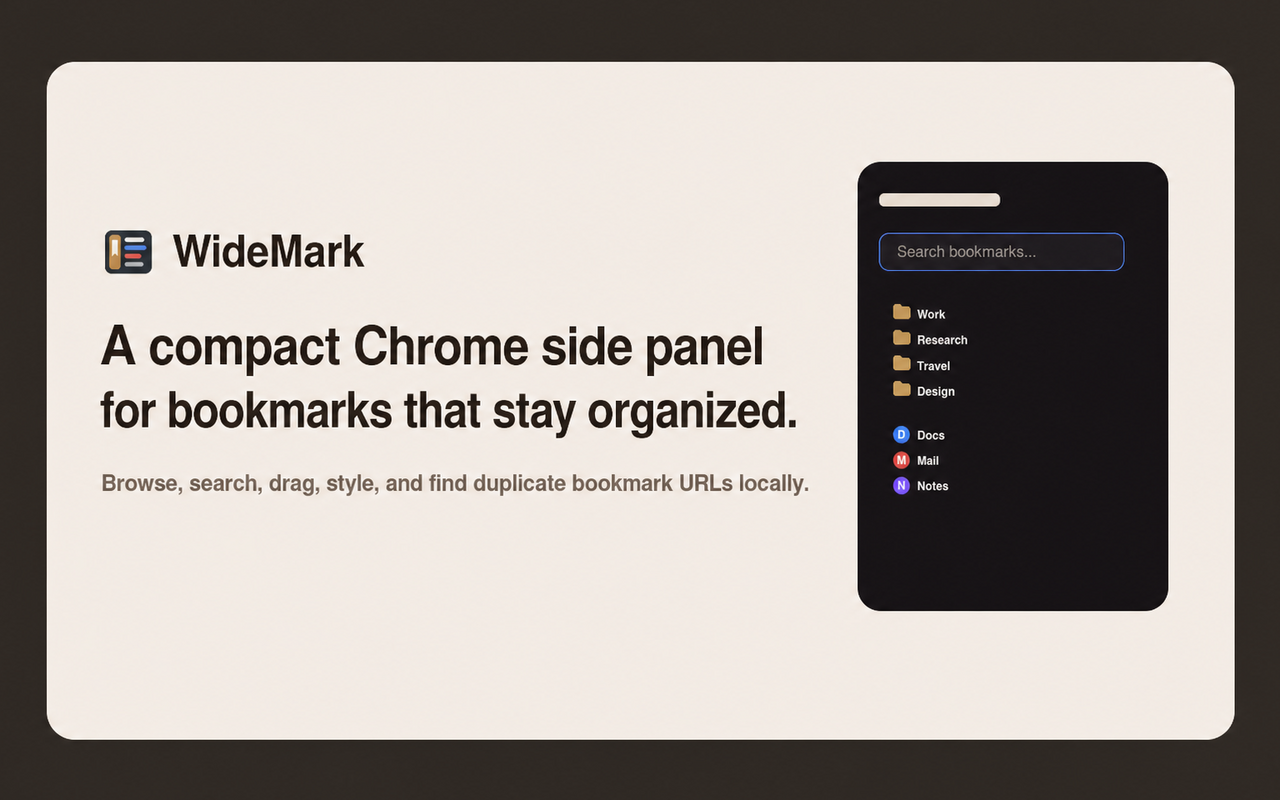
Overview
- A compact Chrome Manifest V3 bookmark manager in the side panel.
- Browse, search, edit, and organize bookmarks with drag and drop and keyboard navigation.
- Bookmark browsing and duplicate checks run locally. Folder style metadata uses Chrome Sync.
Common Uses
- Keep bookmarks visible while browsing.
- Find saved pages and organize folders without switching to a separate manager.
- Review duplicate bookmarks, empty folders, and same-named sibling folders.
Requirements
- Google Chrome with side-panel support.
Install
- 1
Open the Chrome Web Store link below and choose Add to Chrome.
Configure
- 1
Open WideMark from the extension toolbar or press Alt+B.
- 2
Choose a theme, folder colors and icons, font size, row spacing, and UI zoom in settings.
Tools / Commands
- Alt+B opens the side panel.
- Arrow keys navigate the bookmark tree; / focuses search.
- Use the context menu to edit bookmarks or sort a folder by name.
Resources / Settings
- Full bookmark tree, including Bookmarks Bar and Other/Mobile Bookmarks.
- Search bookmark titles and URLs.
- Local duplicate checks by exact URL or shared domain.
FAQ
Frequently asked questions and troubleshooting guides.
No. Bookmark browsing and duplicate checks run locally in Chrome. Folder style metadata is stored in Chrome Sync so styles can follow your Chrome profile.