
PlanSwap
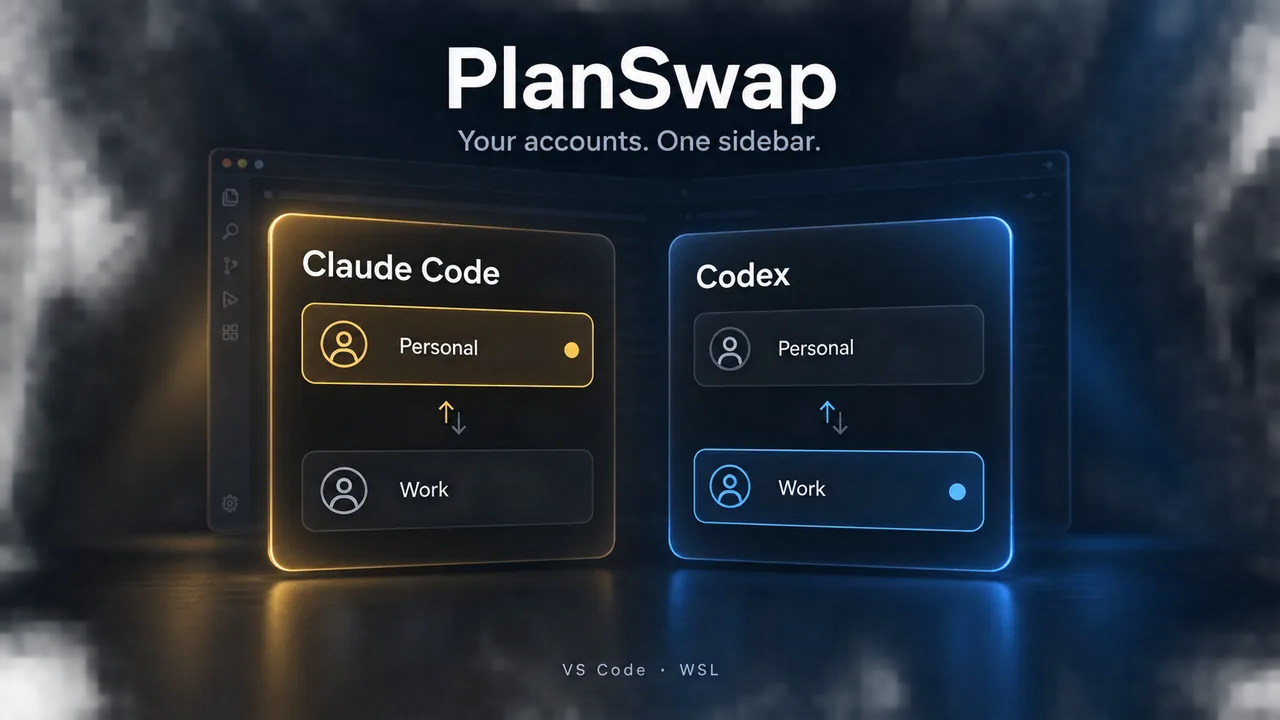
Switch between the Claude Code and Codex subscription accounts you own from a VS Code sidebar, without signing out and back in.
Developers who own more than one Claude Code or Codex subscription and work in VS Code through a WSL remote window.
Overview
- VS Code sidebar for switching between the Claude Code and Codex subscription accounts you own (Claude Pro / Max, ChatGPT Plus / Pro) without signing out and back in.
- Each account lives in its own config directory, so its sign-in, settings, and history stay intact.
- Built for VS Code WSL remote windows, with an English and Simplified Chinese UI.
Common Uses
- Move to another subscription when one account hits its usage limit.
- Keep work and personal Claude Code or Codex accounts separate on one machine.
- Maintain one copy of global CLAUDE.md / AGENTS.md rules across every account.
Requirements
- VS Code or a VS Code-based editor such as Antigravity IDE, version 1.107 or later, used through a WSL remote window. Native Windows and macOS are not supported.
- The official Claude Code and/or Codex extensions installed on the WSL side.
- For Codex switching: bash as the login shell.
Install
- 1
Install PlanSwap from the VS Code Marketplace or Open VSX inside a WSL window.
- 2
From source: npm install, npm run package, then run Extensions: Install from VSIX... in a WSL window.
Configure
- 1
Open AI Account Switcher in the activity bar.
- 2
Claude: type a name in Add account and press Enter to create ~/.claude-<name>, then sign in from the row's Log in button.
- 3
Codex: click Enable Codex switching on the Codex tab. After confirmation, a marker block is added to ~/.profile and ~/.bashrc.
- 4
Set aiSwitcher.language to auto, en, or zh-cn.
Tools / Commands
- Claude Account: Switch Account
- Claude Account: Add Account (Focus Sidebar Input)
- Claude Account: Delete Account
- Codex Account: Enable Codex Account Switching
- Codex Account: Switch Codex Account
- Codex Account: Disable Codex Account Switching
- AI Account Switcher: Sync Global Rules to Other Accounts
- AI Account Switcher: Show CLI and Extension Versions
Resources / Settings
- Claude accounts: ~/.claude for default, ~/.claude-<name> for others, selected through CLAUDE_CONFIG_DIR in claudeCode.environmentVariables.
- Codex accounts: ~/.codex for default, ~/.codex-<name> for others, selected through a state file and marker blocks in ~/.profile and ~/.bashrc.
- Shared global rules: CLAUDE.md / AGENTS.md are symlinked from the default account.
- No telemetry, analytics, or network requests of its own.
FAQ
Frequently asked questions and troubleshooting guides.