
N2N Post2Site
Prepare, validate, and preview host-defined content through a website API, then publish after explicit confirmation.
Site owners and developers who want AI-assisted drafts and explicitly confirmed publication.
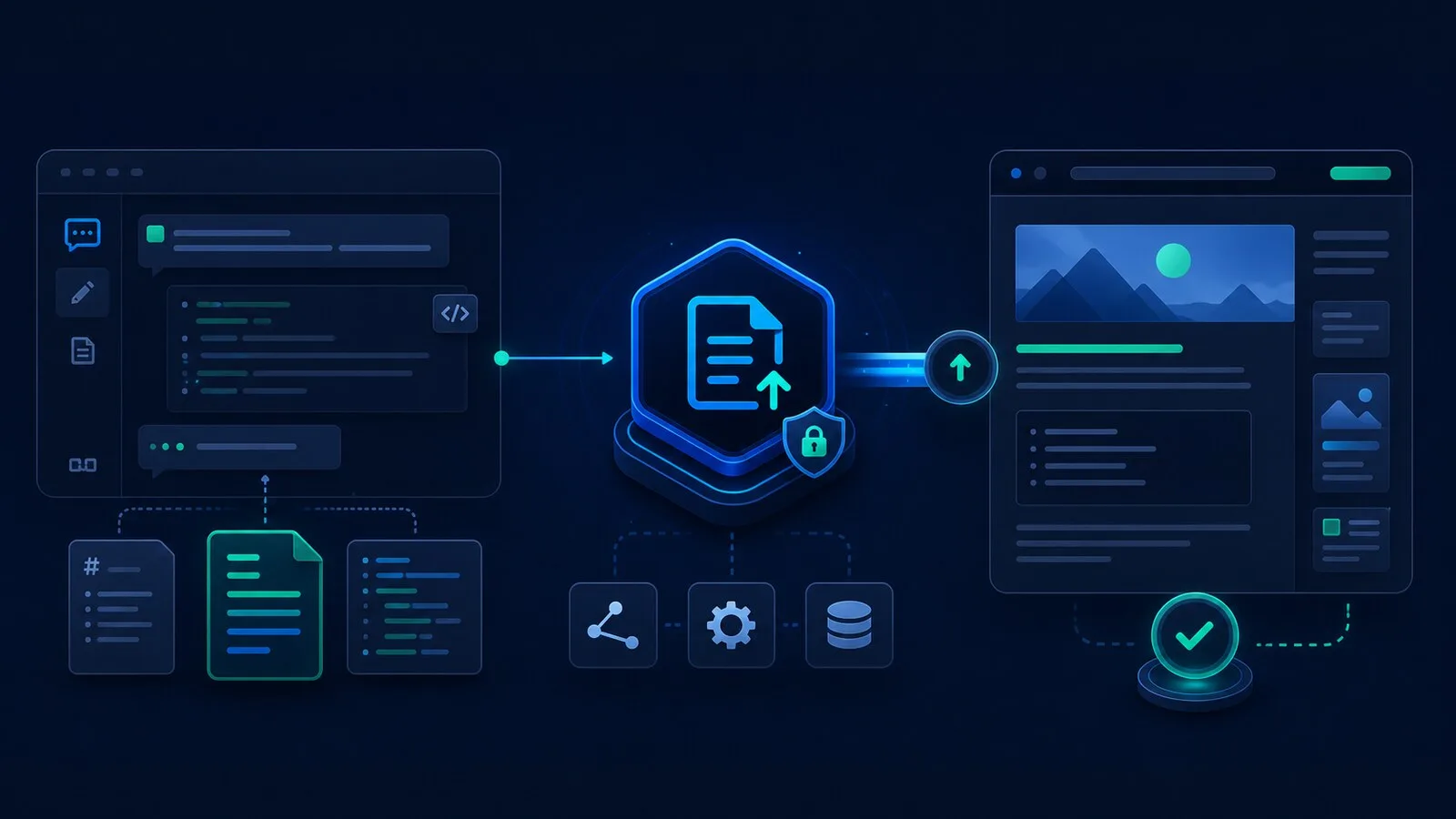
Overview
- A local stdio MCP bridge from an AI client to a website publishing API.
- Your backend owns content fields, storage, validation, previews, and publishing rules.
- Pair with Laravel Post2Site and a host adapter to publish real Laravel pages.
Common Uses
- Try the complete draft and confirmation workflow with an in-memory mock.
- Prepare content for an existing website without handing the AI database or shell credentials.
- Connect each website with its own API base URL and content key.
Requirements
- Node.js 22+; Node.js 24 recommended for the tutorial.
- An MCP client supporting local stdio servers.
- Use the included local mock first, or connect a website implementing the publishing API.
Install
- 1shell
git clone https://github.com/n2ns/n2n-post2site.git - 2
cd n2n-post2site
- 3shell
npm ci - 4shell
npm run build - 5
In a Bash terminal, start the local demo: API_KEY=demo-key PORT=8787 node examples/mock-backend/server.mjs
Configure
- 1
Keep the mock running. The following JSON is for clients that accept mcpServers configuration; use your client-specific syntax otherwise.
- 2json
{ "mcpServers": { "n2n-post2site": { "command": "node", "args": [ "/absolute/path/to/n2n-post2site/dist/index.js" ], "env": { "CONTENT_API_BASE_URL": "http://127.0.0.1:8787", "CONTENT_API_KEY": "demo-key" } } } } - 3
Replace the absolute path with your checkout path, accessible to the client running Node.js.
- 4
For a real Laravel site, first install and bind its backend adapter, then set CONTENT_API_BASE_URL to https://your-site.example/api/v1/mcp and CONTENT_API_KEY to its generated key. These are bridge environment variables.
Tools / Commands
- Read capabilities, site context, and editorial policy before authoring.
- Inspect inventory and check duplicates.
- Validate a working draft before saving it with user approval.
- Validate and preview the saved draft, then publish only after explicit confirmation.
Resources / Settings
- post2site://capabilities, post2site://site-context, and post2site://editorial-policy describe the host contract.
- content_payload fields and formats are defined by the backend; Markdown is not required by the bridge.
- The mock stores data in memory and returns example preview/public URLs without rendered pages. Restarting it resets its data.
FAQ
Frequently asked questions and troubleshooting guides.